Claude Cowork Can Now Take Tasks from Your Phone
Cowork's new Dispatch feature lets you send Claude a task from your phone and pick up the result on your desktop. One persistent thread, full access to your local files.
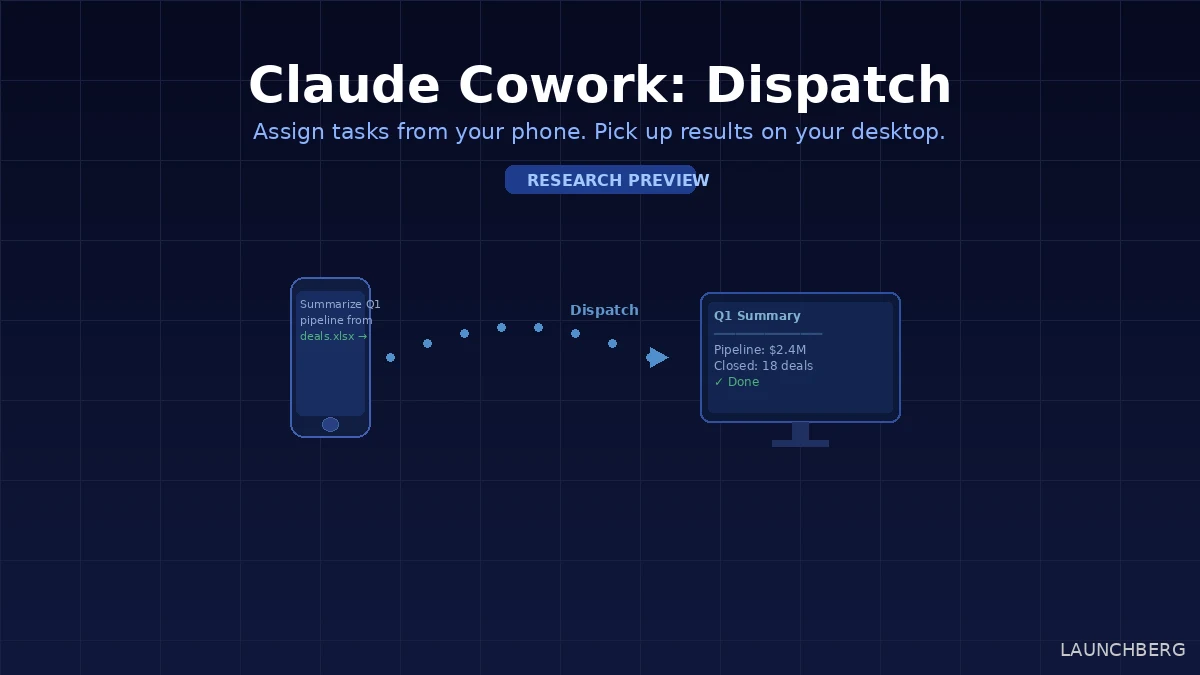
You’re on the train. You remember you need a summary of this week’s deal pipeline pulled from the Salesforce export sitting on your desktop. You open Claude on your phone, type the request, and by the time you’re at your desk — it’s done.
That’s the pitch for Dispatch, a new feature rolling out today in Claude Cowork. It’s a persistent task thread that stays in sync across your phone and desktop, with Claude executing work on the desktop side — using your local files, connected apps, and installed plugins — while you trigger it from wherever you are.
What Makes This Different from Regular Chat
The key word is persistent. Most AI chat sessions reset — each conversation starts from scratch. Dispatch maintains a single continuous thread. Claude retains context from previous tasks, so you can follow up without re-explaining what you were working on. Assign something from your phone in the morning; check back from your desktop in the afternoon and continue from the same context.
The execution happens on your desktop machine, which is where the actual resources live — local folders, Slack and email connectors, plugins you’ve installed. Claude pulls from those, does the work, and the result (a spreadsheet, a memo, a compiled brief) syncs back and appears wherever you’re looking.
This is the meaningful distinction from something like ChatGPT’s cross-device sync, which syncs conversation history but doesn’t have a persistent execution environment tied to your desktop. Dispatch isn’t syncing text — it’s delegating work.
What You Can Actually Delegate
The supported task types right now: pulling data from local spreadsheets and generating summaries, searching Slack and email to draft briefing documents, building presentations from cloud files, and organizing or processing files in desktop folders you’ve granted access to.
Anything that fits the pattern of “gather this, transform it, give me the output” works well. Tasks requiring judgment calls mid-execution or real-time back-and-forth are harder — Claude completes the task as assigned and returns the result rather than asking clarifying questions along the way.
Requirements and Limitations
You need the latest Claude Desktop app (macOS or Windows x64), the latest Claude mobile app (iOS or Android), and a Pro or Max subscription. The desktop has to stay awake — sleeping machines pause task execution, which is the biggest practical friction point for now.
One thread, no multi-thread management. No push notification when a task completes (you have to check back). Scheduled tasks are handled separately through a different panel.
Rolling out to Max plan users today, Pro the following day. It’s a research preview — rough edges expected.
Setup
Open Cowork, click “Dispatch” in the left panel, and follow the setup flow: grant file access, enable the computer wake option if you want to avoid the sleeping-machine problem, and you’re ready to start sending tasks.
Microsoft Copilot has been the benchmark for cross-device AI task management in the enterprise space. Dispatch is a more personal, file-system-native take on the same idea — less structured workflow automation, more “tell Claude what to do and come back to the result.” Whether that’s better depends entirely on what you’re actually trying to hand off.
The persistent thread is the part worth watching. Right now it’s a single conversation — but that architecture, once established, is what makes longer-running delegated work tractable. Anthropic has been steadily expanding what Claude can produce autonomously; Dispatch is the first feature that makes the mobile handoff feel like a first-class workflow rather than a workaround.