Gemini API: Tool Combos, Context Circulation, Maps
Google's Gemini API now lets developers mix function calling with built-in tools like Search and Maps in a single call. Context circulation and spend caps also ship.
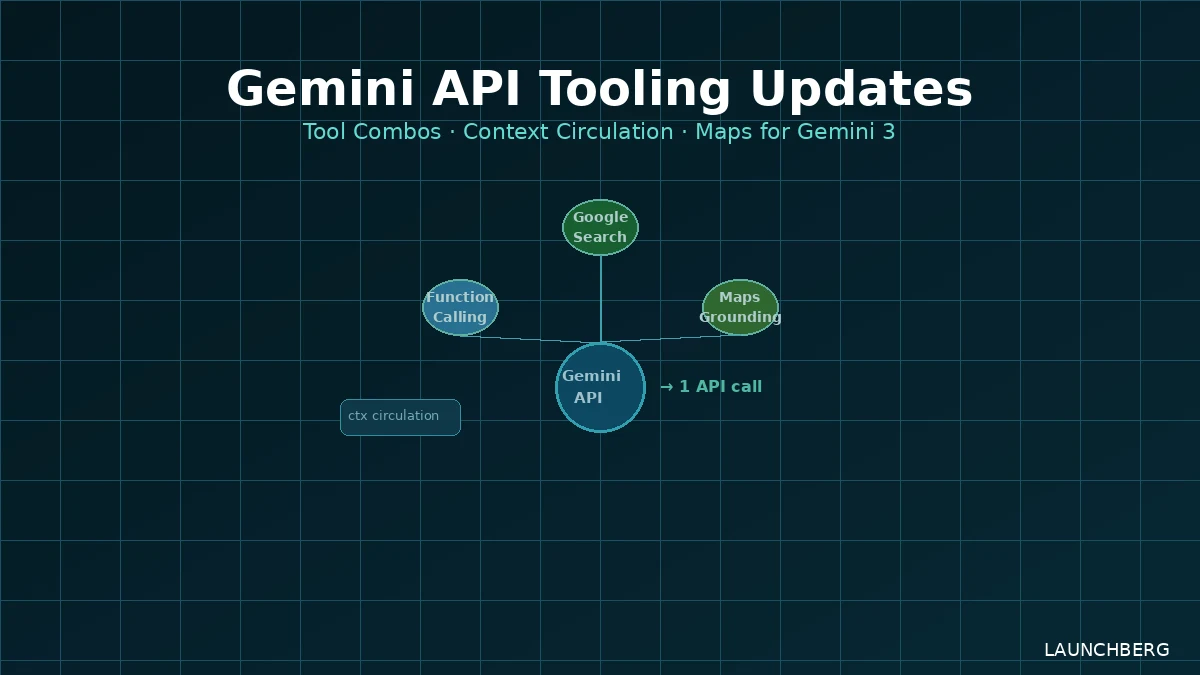
The friction in building agentic applications with the Gemini API has largely come down to orchestration overhead. You’d call Search, get results, feed them back, call your function, handle the response — each step a separate round-trip. Google is collapsing that.
Three API-level updates dropped today: tool combinations, context circulation, and Maps grounding for the Gemini 3 family. Plus a spend caps feature that came after some developer billing chaos that Google needed to address.
Tool Combinations
The headline change: you can now mix function calling with built-in tools — Google Search, Google Maps — in a single Gemini API call. Previously, combining public data retrieval with your own backend functions meant separate orchestration logic. Gemini would fetch from Search, you’d parse the result, then invoke your function with that data manually.
Now the model handles the pivot. A query like “find the three highest-rated Italian restaurants near this address and check our reservation system for availability” becomes one call — Gemini pulls the Maps data and calls your availability function in sequence, without you writing the handoff code.
The concrete benefit is latency. Eliminating separate round-trips matters for user-facing applications where agent workflows already feel slow. It also matters for cost: fewer prompt tokens wasted re-establishing context between calls.
Context Circulation
Context circulation preserves tool calls and their responses across turns in the model’s context window. For multi-turn agent interactions, this means the model can reason over earlier tool results without you manually stuffing them back into subsequent prompts.
Each tool call now gets a unique identifier (id). That’s the detail that makes async workflows tractable — when multiple tool calls are in flight simultaneously, you can precisely map client responses back to the specific call that requested them. Debugging agentic flows without unique call IDs has been painful; this fixes the most common source of confusion in multi-tool orchestration.
Maps Grounding for Gemini 3
Gemini 3 models now have access to Maps grounding — local business information, place details, commute times, real-time spatial data. Previously this was limited to earlier model tiers.
This matters most for applications that need up-to-date local context: travel tools, local commerce, delivery logistics, anything where “what’s near me and what are its current hours” is a core query type. Static training data is useless for this; grounding via Maps gives Gemini 3’s reasoning capability access to live, structured location data.
The combination with tool mixing is where this gets interesting. An agent can now use Maps data and call your backend functions in one request — a pattern that previously required a small orchestration layer around the API.
Spend Caps (And Why They Were Needed)
Google added monthly spend caps for Gemini API projects in AI Studio. You set a dollar limit; billing stops at that threshold. This sounds routine but follows a period where developers reported unexpectedly large bills from Gemini API usage, particularly in development and testing environments where rate limiters weren’t configured properly.
Alongside that: an expanded usage dashboard with error metrics, token usage breakdown, and per-generation stats. The tooling to understand what you’re spending before you’ve spent it was genuinely missing. Anthropic and OpenAI have had clearer billing visibility for longer.
What This Changes
These updates are incremental — none of them are breakthrough capabilities — but they close meaningful gaps in the developer experience. Google’s consumer AI expansion gets attention, but the API tooling is what determines whether developers actually build on Gemini or route around it.
Tool combinations specifically are table stakes for serious agent development. The fact that you couldn’t easily combine Search grounding with custom function calling before was a real limitation. Now you can, and the unique tool call IDs give you the observability to debug complex flows when they go wrong.
All three features are available in the Gemini API now. Maps grounding requires a Google Maps Platform key. Spend caps are configured per-project in Google AI Studio.