Google Stitch Is Now a Full AI Design Canvas
Stitch graduates from Google Labs with a complete redesign: infinite canvas, voice design agent, instant prototypes, and DESIGN.md — an agent-friendly file for sharing design systems.
Most AI design tools work on a single screen at a time. You describe what you want, you get an image, you iterate. Stitch is doing something structurally different — and today’s update makes that clear.
Google is evolving Stitch from a Google Labs experiment into what it’s calling an “AI-native software design canvas.” The update ships five significant changes: a rebuilt infinite canvas, a smarter design agent, voice interaction, instant interactive prototypes, and a new DESIGN.md file format for portability. All of it is free, at stitch.withgoogle.com.
The Canvas Redesign
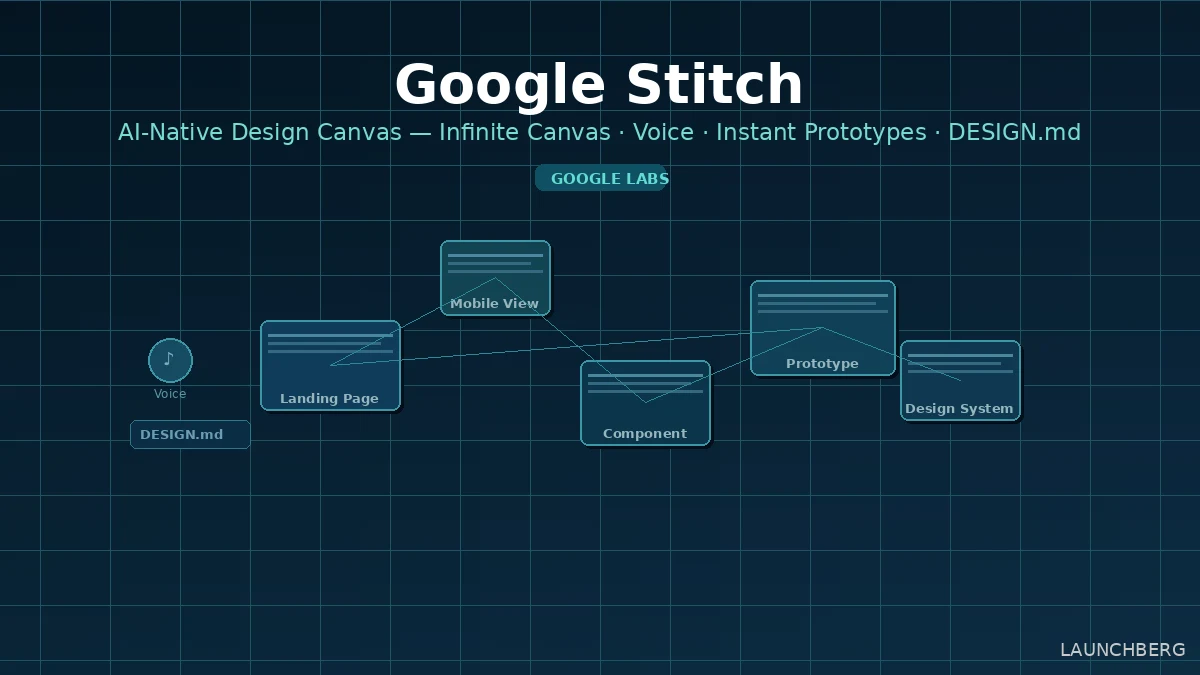
The core UI is completely new. Stitch now uses a node-based infinite canvas — the same spatial metaphor as Miro or FigJam, but where every node is a design frame that the AI can generate, modify, or connect. You drop in images, paste code, upload a PRD, describe a mood — all of it becomes context the agent can reason across simultaneously.
The new Agent Manager sits alongside the canvas and lets you run multiple design directions in parallel. If you’re exploring three different landing page approaches, three agents work simultaneously and the manager tracks each thread. Clicking a task in the manager jumps directly to the relevant screen cluster. Light mode also ships today, which sounds minor but matters for working on darker UI designs where a dark canvas creates contrast problems.
What the New Agent Can Do
The design agent has been rebuilt to understand the full canvas context, not just the currently selected frame. The concrete examples from the team give a sense of the capability jump: “Swap out the logo with the one I just uploaded” (the agent references both the existing canvas and your uploaded asset), “Make a product brief from these screens and put it on the canvas,” “Interview me to help me design a new landing page for my brand,” and — notably — “Make a mobile version of these screens.” That last one is now possible because you can mix mobile and desktop frames on the same canvas, a limitation that existed before today.
The interview mode is the most interesting of these. Rather than asking you to describe what you want, the agent asks questions to surface what you actually need — business objectives, how you want users to feel, what’s inspiring you. Josh Woodward, VP of Google Labs, frames this as “AI as a creativity multiplier”: better exploration leads to higher quality output than jumping straight to execution.
Voice
You can now speak directly to the canvas. The agent listens, critiques your current designs in real time, and makes changes as you describe them — “give me three different menu options,” “show me this screen in different color palettes.” It can also run the interview flow verbally if you’d rather talk through a brief than type it.
This positions Stitch’s voice feature as a sounding board rather than just a dictation input. The design critique capability in particular is something Figma doesn’t have — you can ask Stitch what’s wrong with a layout and it will tell you, then fix it.
Instant Prototypes
Static frames now become clickable prototypes with one click. You connect screens in seconds, hit Play, and walk through the interactive flow. Stitch will also auto-generate the logical next screen when you click an element — if you click a sign-up button, it generates what the confirmation screen should look like. You can overhaul entire flows or refine individual components from the prototype view without breaking the connection between frames.
This closes the gap between design and QA that has always required a handoff. Figma’s prototyping is more mature and handles more complex interactions, but Stitch’s auto-generation of next screens is a genuine differentiator for early-stage flows.
DESIGN.md and the Developer Bridge
The most technically interesting addition for developers is DESIGN.md — an agent-friendly markdown file that captures your design system: color tokens, typography rules, spacing, component logic. You can extract a design system from any URL, export it as DESIGN.md, and import it into a different Stitch project or a coding tool that understands the format.
The practical use case: you’ve built a design system in Stitch for one project. You start a new project and want to maintain consistency. Instead of manually recreating tokens, you export DESIGN.md and import it. Or a developer working in Cursor or another AI coding tool can pull in the design rules as context for code generation.
Stitch also now ships an MCP server (2.4k GitHub stars already) and SDK so developers can integrate Stitch’s generation capabilities directly into their own tools. Exports go to AI Studio and Antigravity for developer handoff.
Where This Leaves Figma
Figma’s AI features are add-ons to a tool built around manual vector editing. Google’s recent API tooling push shows how seriously it’s taking the developer workflow layer, and Stitch is the design-side companion to that. Stitch is AI-first by architecture — the canvas, the agent, the prototyping, the export layer are all designed around AI as the primary interaction model rather than bolted on.
The gap is depth of professional tooling. Figma’s component system, auto-layout, variables, and plugin ecosystem are years ahead. Stitch is competitive for the “idea to prototype to handoff” loop, particularly for solo founders and small teams who don’t need Figma’s full feature set.
v0 by Vercel is the more direct comparison — also prompt-to-frontend-code, also free, also growing fast. The distinction is that Stitch is design-first with code export, while v0 is code-first with design as a byproduct. For teams that think visually before they think in components, Stitch’s canvas approach makes more sense.
Available now at stitch.withgoogle.com, free. Powered by Gemini. The MCP server and SDK are on GitHub.